Automate Invoice Generation in Tally and Zoho Books
Manual invoicing costs ~3 hours per week for every SMB we audit. Automation patterns for Tally, Zoho Books, and custom pipelines - with GST compliance baked in.
- Invoice automation should generate invoices, assign numbers, sync tax fields, send reminders, and update accounting without breaking GST records.
- Tally and Zoho Books workflows need validation for customer GSTIN, HSN/SAC, tax rate, invoice series, credit notes, and payment status.
- Start with recurring invoices and high-volume manual entries before automating edge cases or custom approval flows.
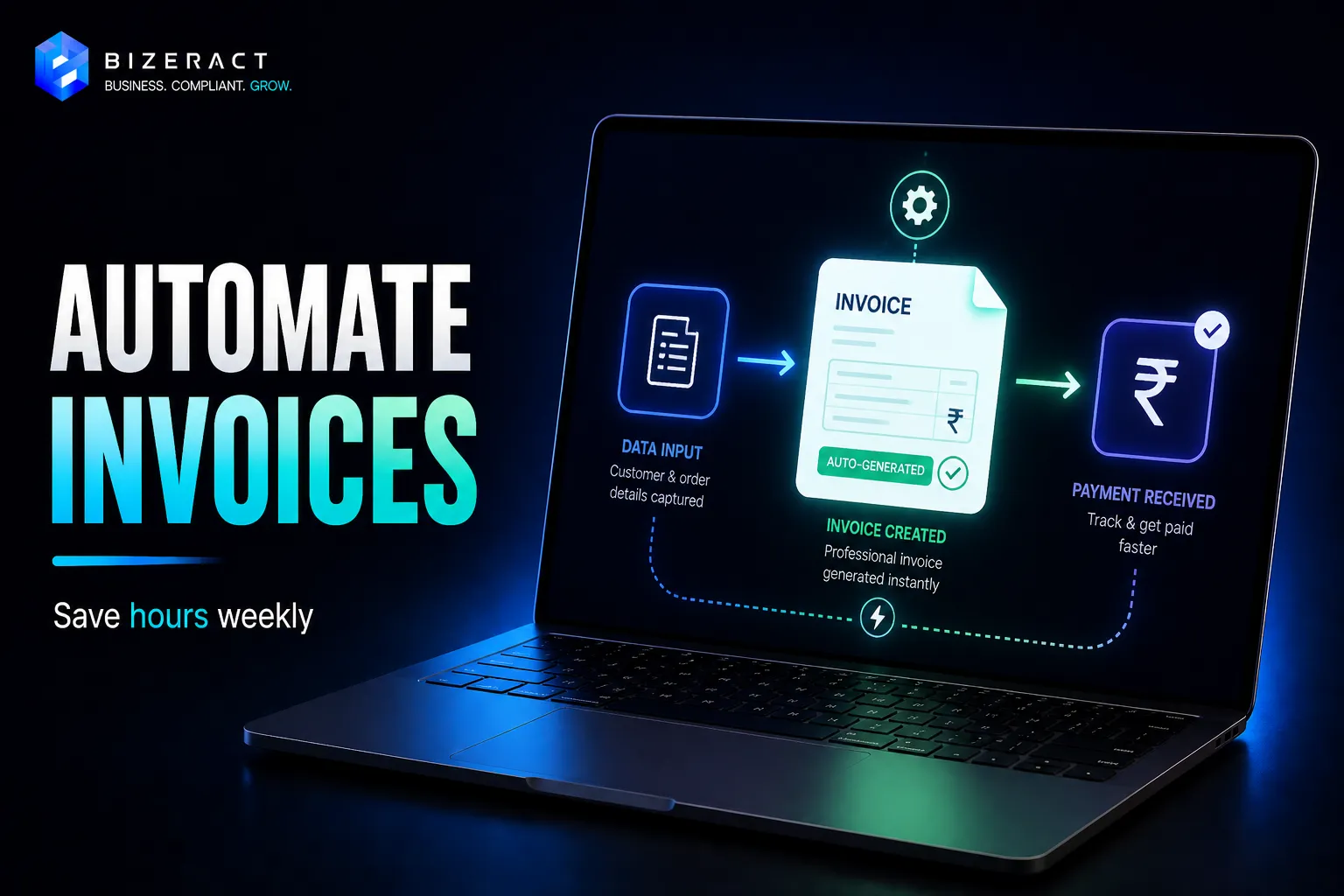
Manual invoicing is the silent time-killer of Indian SMBs. Every audit we run finds 2–4 hours per week per finance person spent on copy-pasting invoice data. Here's how to automate it properly in Tally Prime, Zoho Books, or a custom pipeline - with GST compliance baked in.
The invoice automation trigger points
Every invoice starts from an event somewhere. Automation means catching that event and flowing data forward. Common triggers:
- Razorpay / Stripe payment captured → invoice generated
- Shopify / WooCommerce order → invoice with GST
- CRM opportunity moved to "Won" → proforma invoice
- Subscription recurring payment → recurring invoice
Tally Prime: the legacy stack
Tally Prime supports ODBC and the Tally XML API (TDL). Common pattern:
- Razorpay webhook fires on
payment.captured - n8n / Make / Zapier receives the webhook
- Looks up customer in Tally by GSTIN
- POSTs a voucher XML to Tally's ODBC endpoint
- Tally generates the invoice with GST split (CGST/SGST or IGST based on place of supply)
Gotchas: Tally must be running with ODBC enabled (Gateway → F12 → Advanced Config). On Tally.ERP 9, this is trickier - upgrade to Tally Prime 3+ if you can.
Zoho Books: the modern API
REST API, native webhooks, OAuth2. Easiest of the three.
- Trigger fires in payment platform or CRM
- Automation platform authenticates with Zoho Books OAuth
- POST to
/api/v3/invoiceswith line items, GSTIN, and place of supply - Zoho auto-calculates CGST/SGST/IGST and generates a PDF
- Invoice emailed or WhatsApped to customer via another webhook
Zoho Books also handles e-invoice (IRN) generation if your turnover crosses the ₹5Cr threshold - it auto-submits to the IRP and adds the QR code.
Custom pipeline (Node/Python + DB)
For SaaS / marketplaces at scale (10K+ invoices/month), the platforms become the bottleneck. Build a direct integration:
- Your app → internal invoice service
- Invoice service applies GST logic (place of supply → CGST/SGST vs IGST)
- Calls IRP (Invoice Registration Portal) API directly for IRN + QR
- Generates PDF (we use Puppeteer or WeasyPrint), stores in S3
- Emails / WhatsApps customer via SES + Cloud API
GST compliance checklist (every automated invoice must have)
- Supplier GSTIN, name, address
- Buyer GSTIN (if registered), name, address, state
- Invoice number (sequential, financial-year prefix)
- Date of invoice
- HSN/SAC code per line item
- Taxable value, tax rate, CGST+SGST or IGST
- Place of supply
- Reverse charge flag (Y/N)
- For turnover > ₹5Cr: IRN + QR code from IRP
We build invoice automations against Tally, Zoho, and custom stacks. See our automation services or try our free GST invoice generator if you just need a one-off.
What to verify before acting on Automate Invoice Generation in Tally and Zoho Books
Rules and platform behaviour change after an article is published. Confirm API limits, authentication, webhook payloads, retries, error handling, and hosting requirements against the n8n Docs before you act on anything below, because the right answer depends on your entity, state, turnover, and current setup.
Going deeper: Workflow Automation, and Reporting Automation.
Frequently asked questions
Can invoice generation be automated in Tally and Zoho Books?
Yes. Both can support invoice automation through imports, APIs, recurring invoice rules, integrations, or custom workflows. The implementation must preserve GST fields, invoice numbering, and audit trails.
What should be checked before automating invoices?
Check customer master data, GSTIN, place of supply, HSN/SAC, tax rate, invoice sequence, credit notes, payment terms, and accounting sync before turning on automation.
Which invoices should be automated first?
Start with recurring invoices, standard service invoices, and high-volume repeat customers. Handle exceptions manually until the rules are stable.
Let's talk about your business.
Tell us what you're working on and where you want to go. We'll put together a plan. No obligation, no sales pitch.
- Free 30-minute call
- A plan built around your goals
- No obligation, no pressure
- Your own account manager