Best CMS for Small Business India: 2026 Comparison
Side-by-side: WordPress, Shopify, Webflow, and custom React/Next.js for Indian SMBs. Real cost of ownership, GST invoicing support, and migration pain.
- The best CMS depends on who updates the site, ecommerce needs, SEO control, developer availability, performance targets, and total cost.
- WordPress is flexible, Shopify is strong for ecommerce, Webflow suits design-led marketing sites, and custom stacks fit complex product or integration needs.
- Plan migration, redirects, analytics, GST invoicing, and content ownership before committing to a CMS.
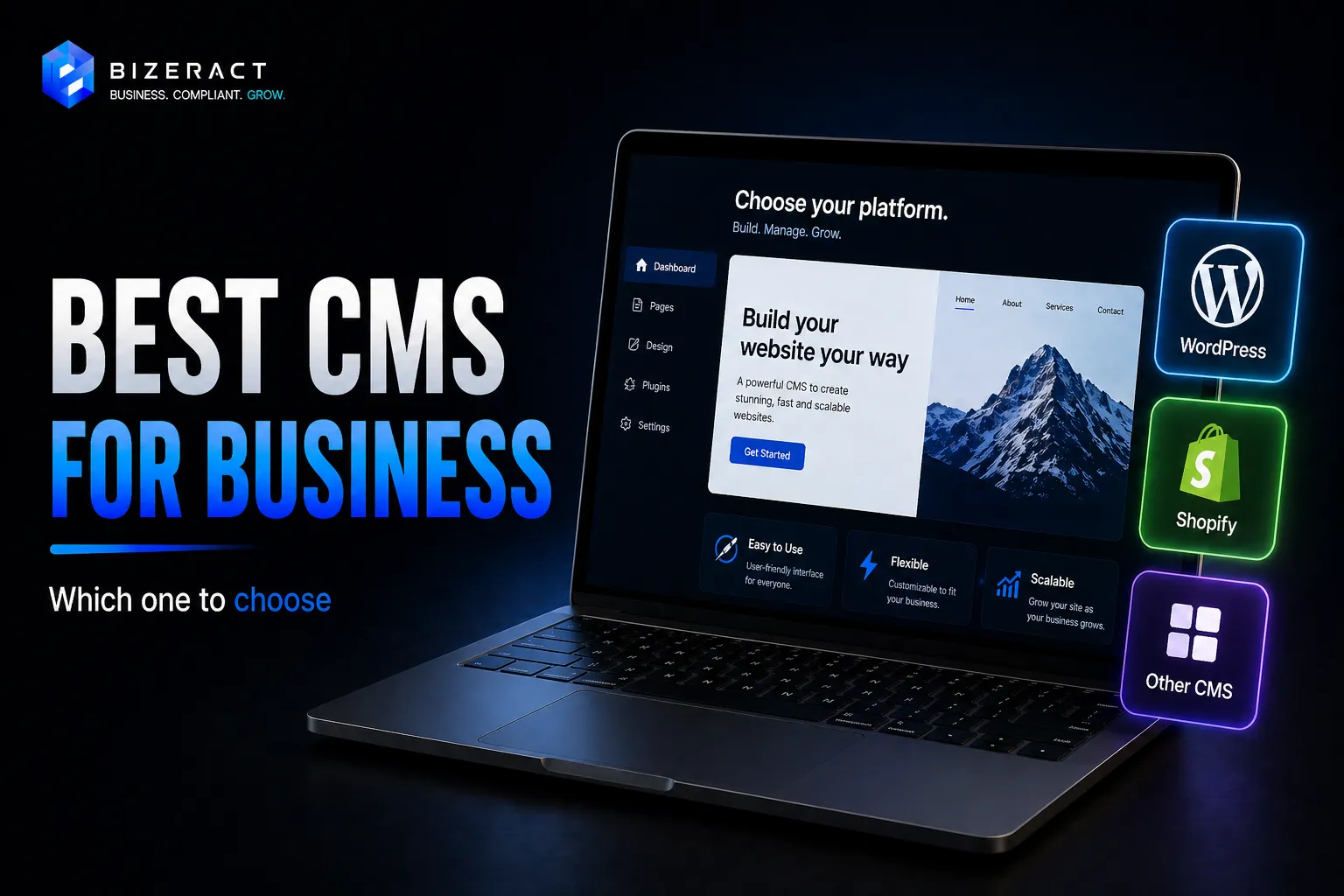
Every "best CMS" list is written by someone selling a CMS. This one is written by a team that has migrated SMBs off each of these platforms at least twice. Here's where WordPress, Shopify, Webflow, and custom React/Next.js actually fit - and where they cost you in year two.
WordPress: cheap to start, expensive to keep alive
WordPress still powers a very large share of the web: W3Techs reported 42.2% usage across all websites and 59.6% CMS market share in May 2026 (W3Techs). Free core, paid themes (₹3K–₹5K), paid plugins (₹0–₹15K/year cumulative), and cheap hosting make the first invoice look attractive. The real cost shows up later: plugin conflicts, security updates, paid maintenance, slow admin screens, and dependency on whoever understands the setup. Good for: blog-heavy sites, WooCommerce stores under ₹50L GMV, and teams with an in-house "WordPress person."
Shopify: e-commerce done, everything else awkward
Shopify is the cleanest path when the business is primarily a store. Shopify India lists Basic, Grow, Advanced, and Plus plans on its official pricing page (Shopify India). Indian payment gateways such as Razorpay, PayU, and Cashfree work through app or gateway integrations. GST invoicing usually needs a dedicated app, and checkout customization hits a hard ceiling unless you move to Plus. Good for: D2C brands, >100 SKUs, and teams that want to stop thinking about hosting, patches, and cart infrastructure.
Webflow: designer-friendly, developer-unfriendly
Webflow is excellent when a designer owns the website and engineering is not involved every week. Webflow documents that Basic Site plans are for sites without CMS or e-commerce features, while CMS and higher plans unlock dynamic content (Webflow Help Center). It is weak for custom checkout, complex dashboards, logged-in product flows, or India-specific commerce workflows. Good for: marketing sites, brochure sites, and startups that change landing pages weekly and have a designer.
Custom React / Next.js: highest ceiling, highest build cost
Custom React or Next.js costs more upfront because the team builds the content model, frontend, hosting, forms, analytics, redirects, and deployment pipeline. Hosting can be low on Vercel, Netlify, or self-hosted infrastructure, but developer time is the real recurring cost. The upside is full code ownership, better control over performance, and fewer CMS limits. Good for: SaaS, marketplaces, authenticated dashboards, custom calculators, and businesses that already have or contract a developer.
Quick decision matrix
| Business need | Best fit | Avoid when |
|---|---|---|
| Founder-updated brochure site | Webflow or WordPress | You need custom app logic or checkout control |
| Content-heavy SEO site | WordPress or headless CMS | No one will maintain plugins, backups, and redirects |
| D2C store with standard checkout | Shopify | Checkout, tax, or B2B pricing needs deep customization |
| SaaS, marketplace, portal, or dashboard | Custom React / Next.js | You cannot budget for developer support |
If you are comparing custom development against packaged platforms, read our WordPress vs Next.js guide and Shopify vs WooCommerce vs custom comparisonbefore committing to a CMS contract.
Total cost of ownership over 3 years (typical 10-page site)
- WordPress: ₹25K build + ₹1L ongoing (hosting + plugins + maintenance)
- Shopify Basic: ₹50K build + ₹72K subscription + ₹40K apps/themes
- Webflow: ₹80K build + ₹14K hosting + ₹0 maintenance
- Custom Next.js: ₹1.5L build + ₹20K hosting + ₹30K occasional dev
Year-3 total is often closest across all four. Pick on fit, not sticker price.
Pick WordPress for editorial control, Shopify for product selling, Webflow for design-led marketing, and custom React/Next.js for software-like workflows. The wrong CMS is the one that makes your next 12 months of changes expensive, slow, or dependent on one person.
Not sure which fits? Our website services page breaks down what we'd build for your use-case, or book a 20-min scoping call.
What to verify before acting on Best CMS for Small Business India
Rules and platform behaviour change after an article is published. Confirm LCP, INP, CLS, mobile performance, image delivery, and JavaScript loading constraints against the Core Web Vitals before you act on anything below, because the right answer depends on your entity, state, turnover, and current setup.
Going deeper: Website Design & Development, Websites for E-commerce, and Websites for SaaS.
Frequently asked questions
Which CMS is best for a small business website in India?
For a content-heavy site, WordPress is usually the most flexible. For ecommerce, Shopify is usually easier. For design-led marketing sites, Webflow works well. For SaaS, marketplaces, portals, and dashboards, a custom React or Next.js build is usually a better fit.
Is WordPress still a good CMS for Indian SMBs?
Yes, if someone owns maintenance, updates, backups, security, and plugin quality. WordPress is weak when the business treats it as a one-time build and has no person responsible for keeping it healthy.
When should a business avoid Shopify?
Avoid Shopify when checkout, B2B pricing, tax logic, customer portals, or integrations need deep customization. Shopify is strongest for standard ecommerce workflows and weaker for product-like software flows.
When is custom React or Next.js worth it?
Custom React or Next.js is worth it when the website behaves like software: login, dashboards, calculators, marketplace logic, complex forms, API integrations, or strict performance and ownership requirements.
Let's talk about your business.
Tell us what you're working on and where you want to go. We'll put together a plan. No obligation, no sales pitch.
- Free 30-minute call
- A plan built around your goals
- No obligation, no pressure
- Your own account manager