How to Check TDS Amount in India: Form 26AS, AIS, TIS Explained (2026)
TDS on your salary, FD interest, rent, or freelance fees? Three places to check - Form 26AS, AIS, TIS - and how to reconcile mismatches before filing your ITR.
- Three places to check TDS: Form 26AS (consolidated tax statement), AIS (income view), TIS (taxpayer summary).
- All three are accessed free at incometax.gov.in - no separate portal, no software.
- TDS shows up in Form 26AS within 30 days of the quarter-end deadline (July 31, October 31, January 31, May 31).
- Mismatches between Form 26AS and Form 16 are the #1 cause of refund delays - fix at source via the deductor.
- Net banking-based "View 26AS" is also available through 19+ banks under the OLTAS interface.
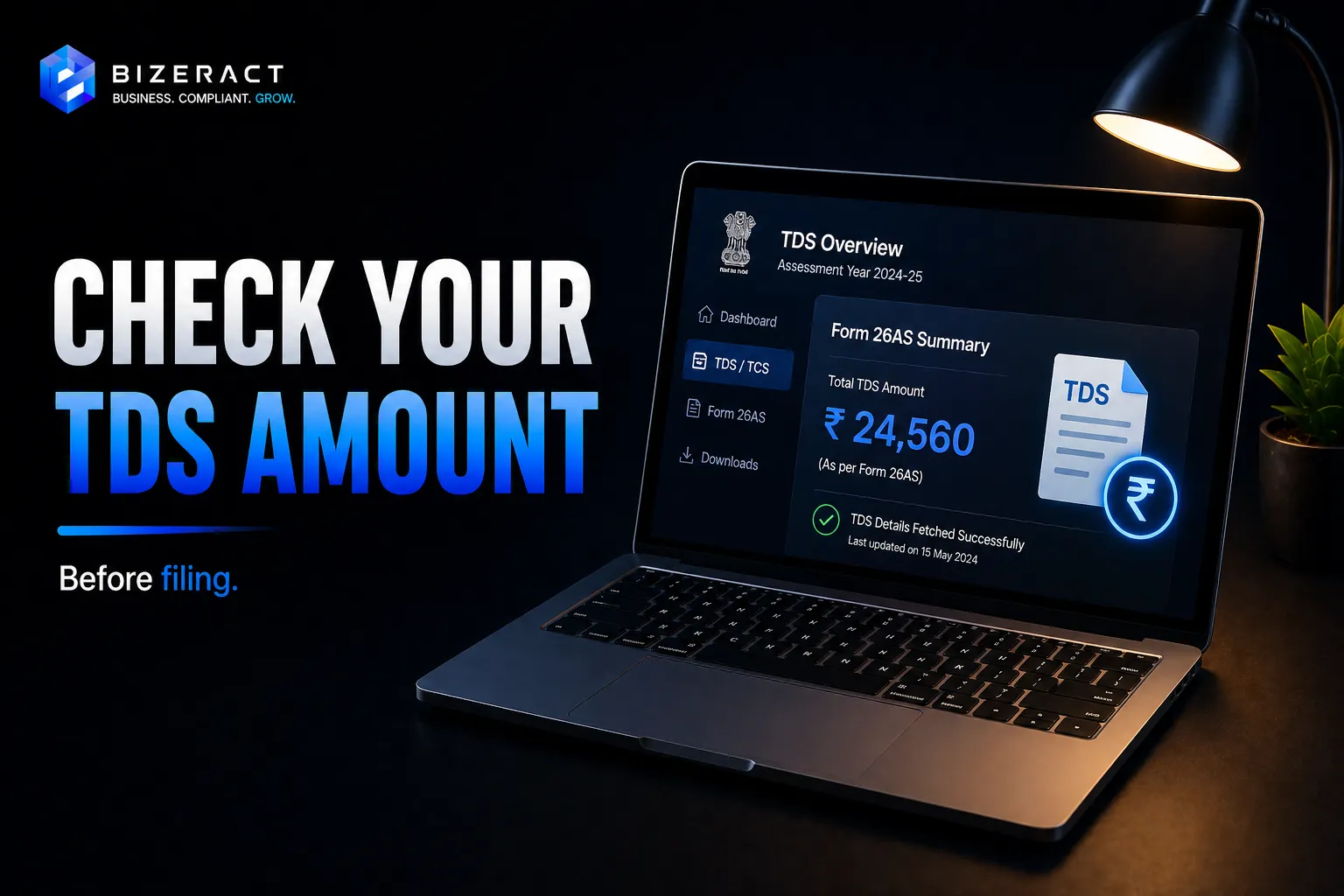
TDS (Tax Deducted at Source) is the income tax already paid on your behalf by your employer, bank, or any other payer - and the only way to know exactly how much TDS has been deducted from your income for FY 2025-26 is to check three official documents on the income tax portal: Form 26AS, AIS (Annual Information Statement), and TIS (Taxpayer Information Summary). As of FY 2024-25, the IT Department processed roughly ₹17 lakh crore of TDS collections - making it India's largest single revenue stream (CBDT, Mar 2025). Verifying your TDS before filing is the difference between getting a full refund credited in 7 days and a defective return notice 60 days later.
What is TDS and where does it appear?
TDS is income tax deducted by the payer (employer, bank, broker, tenant, client) before you receive the money. The deductor remits this TDS to the government using your PAN, and you can then claim credit when you file your ITR. The most common TDS sources for individuals:
- Salary (Section 192): Employer deducts based on declared deductions - typical for anyone earning above ₹4 lakh under new regime
- FD interest (Section 194A): Bank deducts 10% if total FD interest exceeds ₹40,000 (₹50,000 for senior citizens) per bank per year
- Dividend (Section 194): Listed companies deduct 10% on dividends above ₹5,000 per company per year
- Professional fees / freelance income (Section 194J): 10% on professional services, 2% on technical services
- Rent (Section 194I): 10% on rent above ₹50,000/month paid by individuals (₹2.4 lakh/year by businesses)
- Property purchase (Section 194IA): 1% TDS on property sales above ₹50 lakh
- NRI payments (Section 195): Higher rates 10–30% depending on nature of payment, often subject to DTAA relief
Method 1: Check Form 26AS (the consolidated tax statement)
Form 26AS is the master annual statement showing every TDS, TCS (Tax Collected at Source), advance tax, self-assessment tax, and refund posted against your PAN. It's the single most important document for ITR filing - and it's free.
How to download Form 26AS in 2026
- Go to incometax.gov.in and log in using PAN + password (or Aadhaar OTP)
- Navigate to e-File → Income Tax Returns → View Form 26AS
- The portal redirects to the TRACES (TDS Reconciliation Analysis and Correction Enabling System) site - accept the disclaimer
- Click "View / Download Form 26AS"
- Select Assessment Year 2026-27 for FY 2025-26 income
- Choose format - HTML for on-screen view, PDF for download (password is your DOB in DDMMYYYY format)
How to read Form 26AS
Form 26AS has 8 parts (A through H), but for individual taxpayers, three matter most:
- Part A - TDS deducted on your behalf: Each row shows the deductor's TAN (Tax Deduction Account Number), name, section under which TDS was cut, gross amount, and tax deducted. Your employer, bank FDs, and freelance clients all appear here.
- Part A1 - TDS on Form 15G/15H declarations: Cases where you submitted Form 15G/15H to avoid TDS on FD interest. Shows ₹0 TDS, but the gross interest still appears for your verification.
- Part C - Self-assessment / advance tax paid: Direct tax payments you made via challan
- Part D - Refunds paid: Refunds from previous assessment years
- Part F - Property purchase TDS: If you sold property, the 1% TDS deducted by the buyer appears here
Method 2: Check AIS (Annual Information Statement)
AIS was launched in 2021 to expand beyond TDS-only data - it shows everything the IT Department knows about your financial activity for the year, regardless of whether tax was deducted. Form 26AS is a subset of AIS focused on tax credits; AIS is the broader income view.
How to access AIS
- Log in to incometax.gov.in
- Click Services → Annual Information Statement (AIS)
- The AIS portal opens in a new tab - accept terms and select Financial Year 2025-26
- Download the AIS PDF (password is PAN in lowercase + DOB in DDMMYYYY)
What AIS shows that Form 26AS doesn't
AIS captures dozens of transaction types reported by banks, registrars, mutual funds, and stock exchanges through SFT (Statement of Financial Transactions):
- Salary breakup with HRA, perquisites, and exempt allowances
- Interest from savings account (separate from FD interest)
- Dividends from listed companies
- Sale and purchase of equity shares (broker-reported)
- Mutual fund redemptions and switches
- Rent received (if tenant filed Form 26QC)
- Sale of immovable property (registrar-reported)
- Foreign remittances above ₹10 lakh aggregate
- Cash deposits, credit card payments above ₹10 lakh, foreign travel above ₹2 lakh
Submitting feedback in AIS
AIS allows you to dispute incorrect entries. For each transaction, click Optional → Submit Feedback and choose: "Information is correct," "Information is duplicate / not applicable," "Information is denied," "Income is not taxable," or "Information relates to other PAN/year." Once feedback is submitted, the entry is flagged but not removed - the IT Department reviews disputed entries before processing your return.
Method 3: Check TIS (Taxpayer Information Summary)
TIS is a one-page summary of AIS - it consolidates all transactions into "Information Categories" and shows two columns: "Reported value" (what banks/payers reported) and "Modified value" (what TIS will use for ITR pre-fill, after your AIS feedback is processed). Think of it as the cleaned-up version of your AIS.
TIS is downloaded from the same AIS landing page on the portal. It's the document the ITR portal actually uses to pre-fill your return - so checking TIS values match your records is the last step before clicking "File Return."
How to reconcile TDS - Form 16 vs Form 26AS vs AIS
Three documents covering similar data - but they don't always match. Here's the standard reconciliation order before filing:
- Get Form 16 from your employer - issued by June 15, 2026 for FY 2025-26
- Compare Part A of Form 16 with Part A of Form 26AS - gross salary and TDS amounts must match
- Compare Form 26AS with AIS - TDS in 26AS must equal TDS shown in AIS for the same TAN
- Verify TIS values - these are the figures that auto-populate your ITR
What to do when figures don't match
Three common mismatch scenarios and the fix:
- Form 16 shows higher TDS than Form 26AS: Your employer deducted but didn't deposit on time (or filed wrong TAN). Send a written request to HR/payroll citing exact TDS amount and challan details. They must file a correction statement (Form 24Q revision) - it appears in 26AS within 30 days.
- Form 26AS shows TDS, but you didn't earn that income: Someone used your PAN incorrectly. Submit AIS feedback "Information relates to other PAN" and file a complaint via the e-Nivaran grievance portal at incometax.gov.in/iec/foportal/help/e-nivaran
- Bank deducted TDS on FD interest, but Form 26AS doesn't show it: Bank may have used wrong PAN or filed late. Get a TDS certificate (Form 16A) from the bank - that's binding evidence; the bank must rectify their TDS return.
When does TDS get updated in Form 26AS?
Deductors file TDS returns quarterly. The data appears in Form 26AS roughly 30 days after the quarterly filing deadline:
- Q1 (April–June 2025): TDS return due July 31, 2025 → visible in 26AS by August 30, 2025
- Q2 (July–September 2025): Due October 31, 2025 → visible by November 30, 2025
- Q3 (October–December 2025): Due January 31, 2026 → visible by February 28, 2026
- Q4 (January–March 2026): Due May 31, 2026 → visible by June 30, 2026
This is why the IT Department recommends not filing ITR before mid-June - Form 16 issuance and Q4 TDS posting both happen in May–June. Filing in early April risks missing TDS entries that only appear later.
Alternative: Check TDS through net banking
19 banks support viewing Form 26AS directly through net banking under the OLTAS (Online Tax Accounting System) interface - including SBI, HDFC, ICICI, Axis, Kotak, PNB, Canara, BOB. Log in to net banking → look for "View 26AS" or "Tax Statement" under the services menu → redirects to TRACES with single sign-on. This bypasses the income tax portal entirely.
Useful when the IT portal is slow during peak filing season (July) - net banking sees the same TRACES data without the portal queue.
Frequently asked questions
What's the difference between Form 26AS, AIS, and TIS?
Form 26AS is the tax-credit statement - it shows TDS, TCS, advance tax, and refunds. AIS is the broader income statement - it shows TDS plus salary breakup, savings interest, share trades, mutual fund transactions, foreign remittances, and SFT-reported transactions. TIS is the one-page summary of AIS, used for ITR pre-fill. For most filers, AIS is enough; Form 26AS matters for cross-checking TDS only.
How long after TDS is deducted does it show in Form 26AS?
The deductor must file the TDS return within 30 days of the quarter-end. Once filed, the TDS entry typically appears in Form 26AS within 7–14 days. Most TDS for a quarter is visible in Form 26AS roughly 45 days after the quarter ends.
Can I check TDS without logging into the income tax portal?
Yes - 19 banks (SBI, HDFC, ICICI, Axis, Kotak, etc.) offer "View 26AS" inside their net banking portals via OLTAS integration. You can also download Form 16A directly from each deductor (your employer for salary, your bank for FD interest), which is the same TDS data certified by the deductor.
What if TDS in Form 26AS is less than TDS shown in my Form 16?
Your employer deducted TDS but hasn't deposited it correctly to the government. Don't claim the higher amount in your ITR - the system will flag the mismatch and the refund won't process. Instead, send a written request to your employer's HR/finance team citing the exact discrepancy and ask them to revise their Form 24Q TDS return. The corrected entry typically appears in Form 26AS within 30 days.
Can I claim TDS in my ITR if it's not yet visible in Form 26AS?
Technically yes - but the refund processing will be held until the TDS data appears in Form 26AS. Better practice: file ITR after July 1, 2026, by which time Q4 TDS data is fully visible. For salaried employees, the practical filing window is July 1–31, 2026.
I'm a freelancer with multiple clients deducting TDS. How do I check all of them?
Form 26AS Part A consolidates TDS from all deductors using your PAN - every client's TDS appears as a separate row with their TAN, name, and amount. AIS Part B (Income from Other Sources) also groups freelance/professional income together. Use ITR-3 (full books) or ITR-4 (presumptive Section 44ADA up to ₹50 lakh) to claim all TDS in a single return.
Checking TDS thoroughly before filing your ITR is the highest-leverage 15 minutes you can spend - it catches refund-delaying mismatches at source rather than after a defective return notice arrives. For the actual filing process once your TDS is reconciled, see our step-by-step online ITR filing guide. First-time filers tracking down which form to use should start with our first-time ITR filing walkthrough. If your TDS situation involves NRI income, multiple property sales, or treaty-relief claims, a quick tax consultation is faster than figuring out the reconciliation yourself.
What to verify before acting on How to Check TDS Amount in India
Rules and platform behaviour change after an article is published. Confirm forms, due dates, AIS or Form 26AS data, regime rules, and filing instructions against the Income Tax Portal before you act on anything below, because the right answer depends on your entity, state, turnover, and current setup.
Going deeper: TDS Return Filing, ITR Filing (Salaried), and Business ITR Filing.
Frequently asked questions
What is the short answer on How to Check TDS Amount in India?
TDS on your salary, FD interest, rent, or freelance fees? Three places to check - Form 26AS, AIS, TIS - and how to reconcile mismatches before filing your ITR. The practical next step is to compare the article checklist with your business model, state, turnover, documents, and tools before you act.
What should I verify before using this guide?
Verify the latest thresholds, filing dates, forms, documents, and portal guidance from the official source links on this page. Tax rules, ad platform policies, software APIs, marketplace requirements, and search documentation can change after publication.
When should I get professional help?
Get help when the decision affects GST registration, tax filing, paid media budget, production website performance, analytics accuracy, or business-critical automations. A short expert review usually costs less than penalties, rework, bad data, or failed implementation.
Let's talk about your business.
Tell us what you're working on and where you want to go. We'll put together a plan. No obligation, no sales pitch.
- Free 30-minute call
- A plan built around your goals
- No obligation, no pressure
- Your own account manager