Lead Routing Automation for Indian SMBs in 60 Seconds
Most Indian leads die in an inbox. The 4-step automation (form → CRM → round-robin → WhatsApp) that gets first response under 60 seconds and doubles conversion.
- Lead routing should capture the form, score or classify the lead, assign ownership, notify sales, and send a fast WhatsApp or email response.
- Speed-to-lead matters most when competitors respond quickly or buyers submit the same enquiry to multiple vendors.
- Track routing failures, duplicate leads, missed SLAs, and conversion by source before adding complex automation.
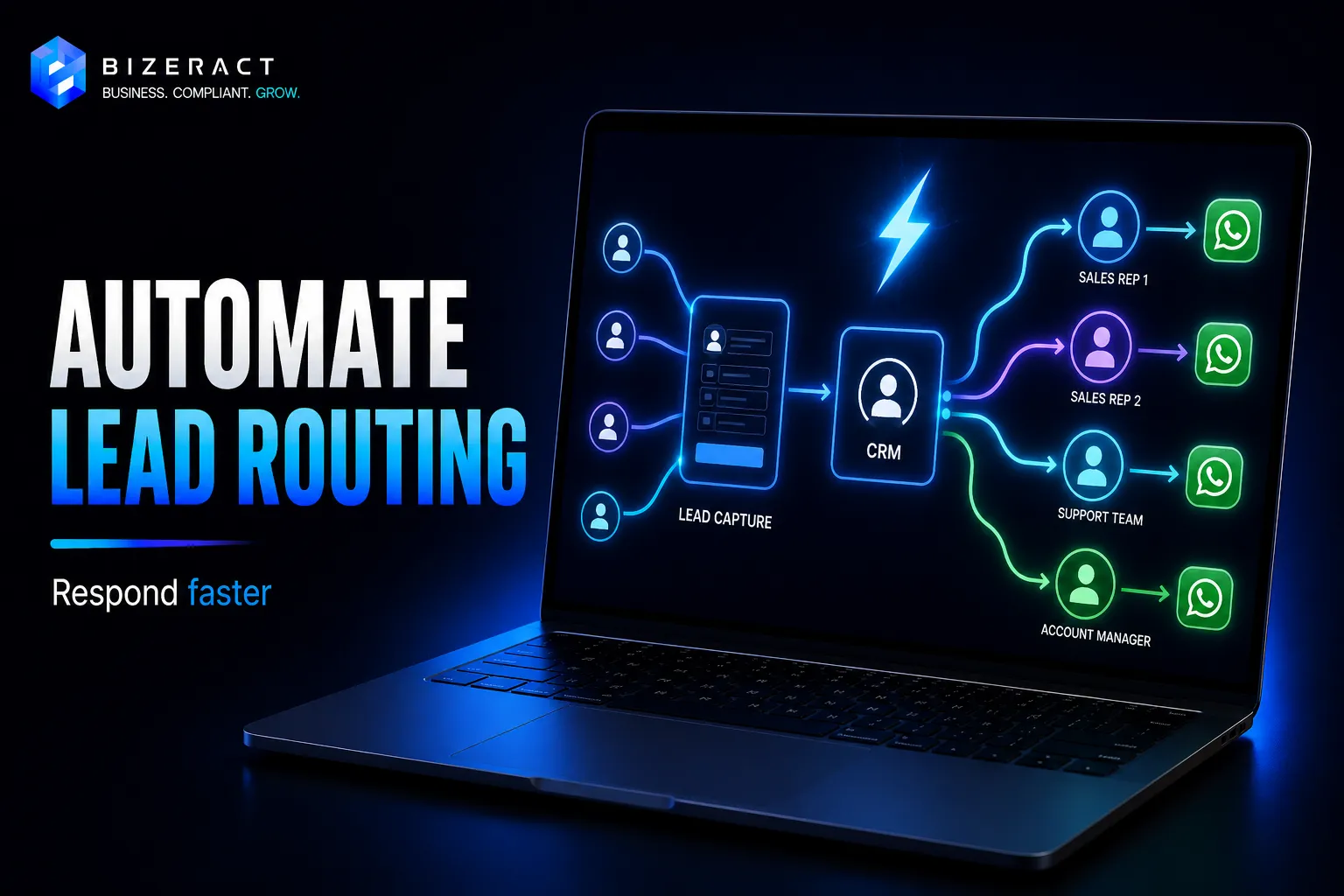
The average Indian SMB takes hours to respond to a lead. Harvard Business Review's lead-response research found that contacting a prospect within five minutes dramatically improves qualification odds compared with slower follow-up (Harvard Business Review). Here's the 4-step automation that gets first touch under 60 seconds - built on Zapier, Make, or n8n against any CRM.
The 4 steps
Step 1: Webform → webhook
Every form on your site fires a webhook to the automation platform. In WordPress / Webflow / Next.js, this is a single POST to a Zapier/Make/n8n URL. Include form fields, timestamp, UTM params, page URL, and referrer.
Step 2: Enrichment + scoring
Before routing, enrich: look up email domain for company size (Clearbit, Apollo, or a free Hunter domain check), check if they exist in the CRM, score by budget / intent fields. Drop obvious spam (role emails like info@, disposable domains).
Step 3: Round-robin to a rep
Load the team's calendar availability. Skip anyone on leave. Assign to the next rep by round-robin (or by territory, or by deal size). Most CRMs (Zoho, HubSpot, Pipedrive) have native round-robin; for others, keep a counter variable in the automation.
Step 4: Multi-channel first touch
In parallel:
- Email to lead: acknowledgement + calendar link from the assigned rep
- WhatsApp to lead (Cloud API): "Hi {name}, thanks for reaching out to {company}. I'm {rep}, replying in 60s."
- Slack DM to rep: lead details, enrichment, priority
- SMS to rep if lead score is high and response SLA is strict
Typical impact numbers we see
- First-response time: 4h → 45s
- Lead-to-meeting conversion: +60–120%
- Lost-to-follow-up rate: ~15% → ~2%
The platform choice
- Zapier: fastest to build (30 min), most expensive at volume
- Make: better for parallel branches (email + WhatsApp + Slack run in parallel, not sequential)
- n8n self-hosted: cheapest at >5K leads/mo, full control over PII
If you are still choosing the automation layer, compare the trade-offs in our Zapier vs Make vs n8n guide and the broader workflow automation tools comparison.
Minimum viable lead-routing architecture
| Layer | What it stores | Failure fallback |
|---|---|---|
| Form/webhook | Lead fields, source page, UTM, timestamp | Queue request in database or spreadsheet |
| Scoring step | Budget, service, city, duplicate status | Route as normal priority if enrichment fails |
| Assignment step | Rep ID, territory, SLA timer | Escalate to manager after missed SLA |
| Notification step | Email, WhatsApp, Slack, CRM activity | Retry and log failed channel separately |
Start with one form, one CRM, one round-robin rule, one WhatsApp or email template, and one missed-SLA alert. Add enrichment, AI scoring, and multi-territory routing only after the basic response loop is stable.
The failure modes to plan for
- WhatsApp template rejection: Meta rejects salesy templates. Use utility category with a clear value-prop.
- Rep offline: Fallback chain - rep 1 offline → rep 2 → manager
- CRM downtime: Queue leads in a spreadsheet or DB, replay when CRM is back
- Duplicate leads: Dedupe on email + phone before routing to avoid double-booking reps
We build lead-routing stacks for Indian SMBs across Zoho, HubSpot, Pipedrive, and custom backends - typically live in under 5 working days. For channel-specific setup, read the WhatsApp chatbot guide.
What to verify before acting on Lead Routing Automation for Indian SMBs in 60 Seconds
Rules and platform behaviour change after an article is published. Confirm API limits, authentication, webhook payloads, retries, error handling, and hosting requirements against the n8n Docs before you act on anything below, because the right answer depends on your entity, state, turnover, and current setup.
Going deeper: Workflow Automation, Auto Notifications, and Chatbot Integration.
Frequently asked questions
What is lead routing automation?
Lead routing automation captures an enquiry, classifies or scores it, assigns it to the right sales owner, sends notifications, updates the CRM, and triggers the first customer response without manual inbox checking.
Which tools can automate lead routing for Indian SMBs?
Zapier is fastest for simple flows, Make is better for branching and parallel actions, and n8n is useful when volume, self-hosting, or data control matter. The right tool depends on CRM, WhatsApp, email, and reporting requirements.
What should be tracked in a lead-routing workflow?
Track first-response time, assigned owner, missed SLA, duplicate leads, source page, UTM, lead score, meeting booked, and revenue outcome. Without those fields, the automation may be fast but still hard to improve.
Let's talk about your business.
Tell us what you're working on and where you want to go. We'll put together a plan. No obligation, no sales pitch.
- Free 30-minute call
- A plan built around your goals
- No obligation, no pressure
- Your own account manager